
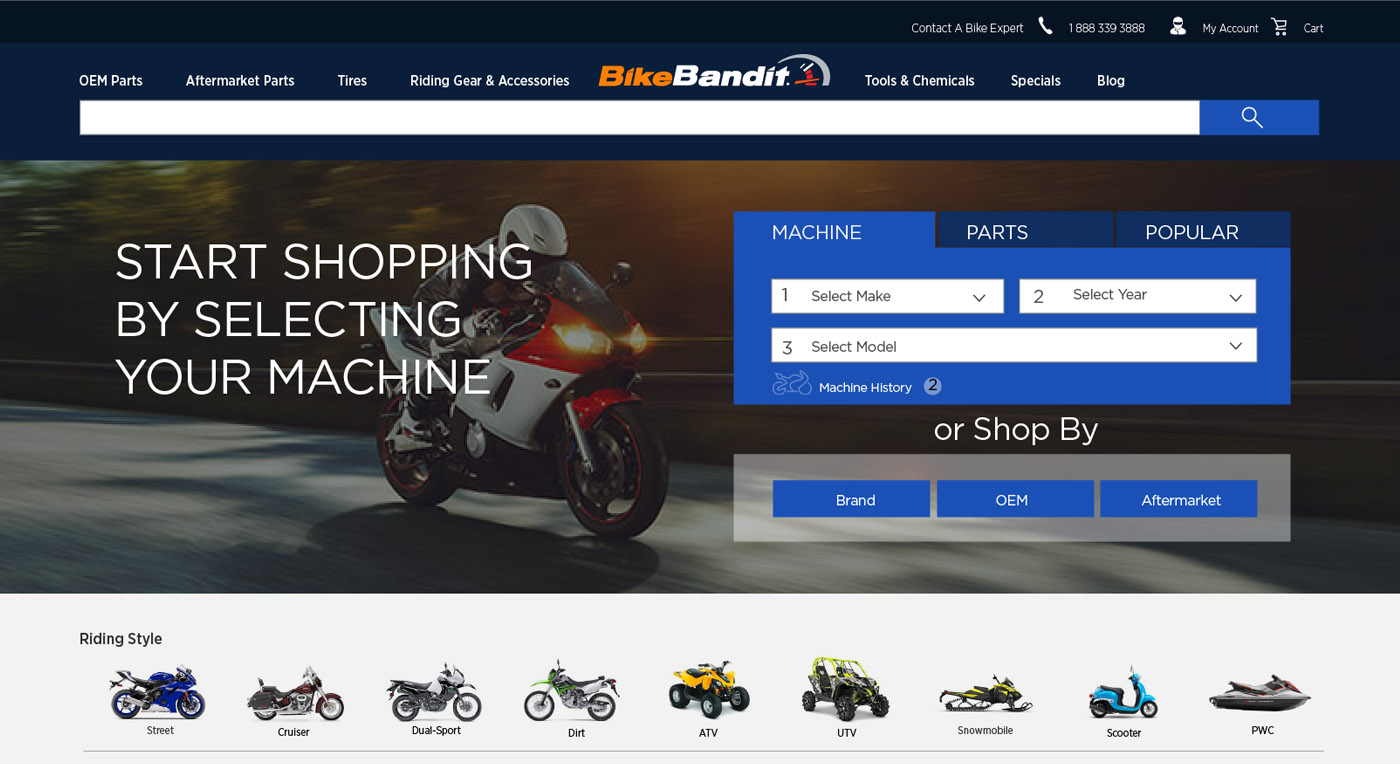
I worked with BikeBandid to help them redesign there website. Part of the redesign was to make shopping for OEM parts and Aftermarket parts the same user experience. Before there were two completely different UX’s for the two.
Part of the redesign I do low and high-fidelity wire frames. Here is a sample of the a high-fidelity user flow and wireframe for the Aftermarket
Works for desktop and Tablet views. Follow the directions below.
- Select Aftermarket Parts in the navigation.
- In the dropdown menu select All Aftermarket Parts.
- On the Aftermarket Parts page select Control & Brakes
- Then select Brake Rotors on the Control & Brakes page.
- On Brake Rotors page select the first brake rotor.
 INGOUI